
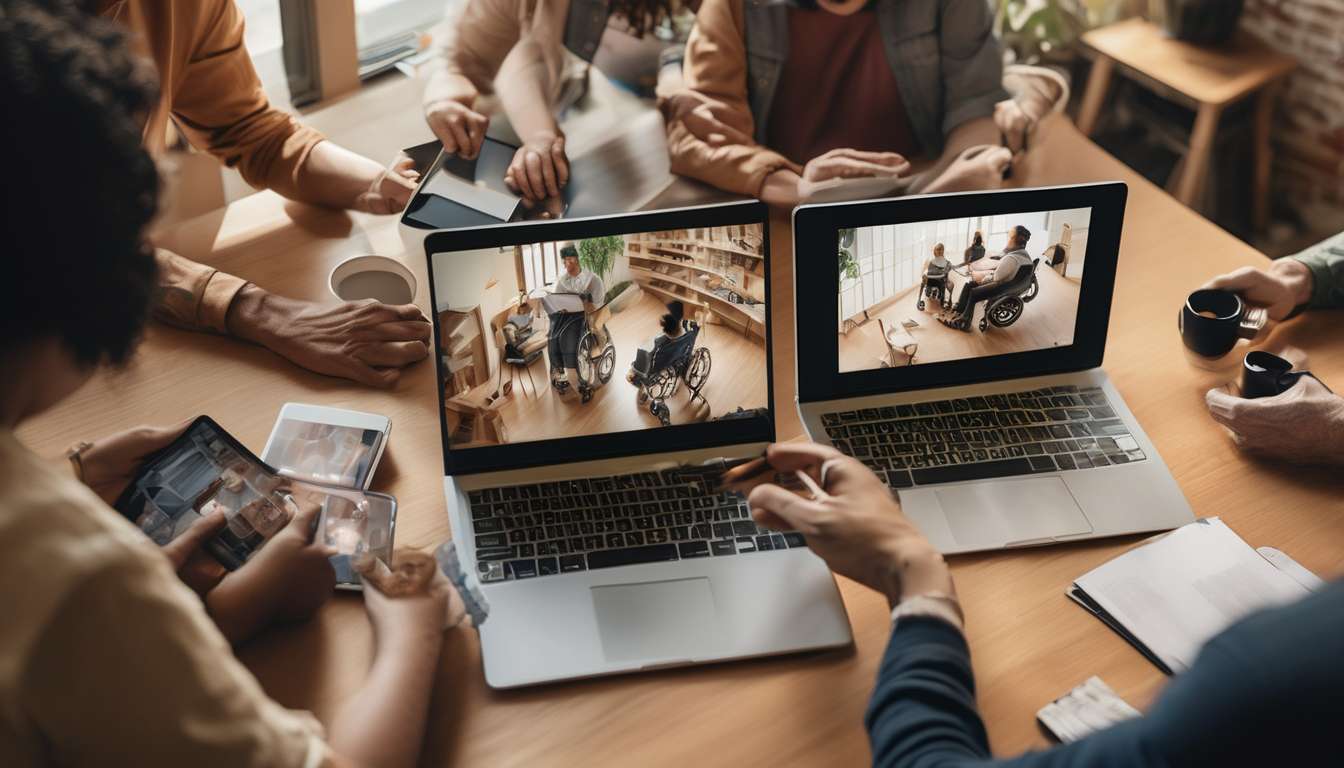
Side-by-side, a cluttered, shuttered gallery and an open, captioned online exhibition tell two very different stories about who can take up photography as an adult.
We know that access shapes participation: physical barriers, poor navigation, and absent descriptions exclude many would-be photographers and audiences, while thoughtfully designed virtual spaces invite diverse voices.
We believe that accessible galleries do more than accommodate; they expand the pool of creators and viewers. Examples of accessibility features include:
- clear layouts
- alt text for images
- adjustable contrast
- multilingual guides
- simple submission processes
These features nurture late-blooming hobbyists, hobby-to-pro converts, and those returning after life changes.
By comparing exclusionary practices with inclusive alternatives, we uncover how design choices influence confidence, learning, and belonging.
This article maps practical changes platforms can adopt to broaden participation in adult photography online, illustrating how accessibility transforms solitary interests into shared creative communities and how small adjustments yield disproportionately large gains in engagement and diversity.
Why accessibility matters
Accessibility ensures everyone can experience and engage with photography equally.
Accessibility is not optional; it’s how we welcome diverse makers and viewers into a shared creative space.
Prioritizing web accessibility removes technical and perceptual barriers that prevent participation.
We write clear alt text that describes images’ content and context so people using screen readers can appreciate composition, emotion, and intent just as sighted visitors do.
We design inclusive navigation that is predictable, keyboard-friendly, and plainly labeled so everyone finds exhibitions, captions, and contribution tools without frustration.
When we commit to these practices, we affirm that every adult belongs in our community — creators, critics, learners.
That belonging strengthens dialogue, raises standards, and expands reach.
We don’t just broaden an audience; we deepen connections and creative possibility by making accessibility a core value rather than an afterthought.
Barriers adults face
Many adults still encounter sensory, cognitive, technical, and social barriers that keep them from fully enjoying and contributing to photography galleries.
We notice poor web accessibility practices that impede perception and interaction.
- Missing alt text makes images inaccessible to screen-reader users.
- Tiny clickable areas and cluttered layouts make navigation and interaction difficult for people with motor or visual impairments.
Cognitive barriers arise from assumptions in copy and interaction design.
- Captions that assume prior knowledge exclude people who need plain-language context.
- Galleries that demand fast reading, precise memory, or complex multi-step interactions exclude people with cognitive differences.
Technical hurdles frustrate users with older devices, assistive tech, or limited bandwidth.
- Unlabeled controls and inconsistent behavior with screen readers block effective use.
- Slow pages and heavyweight assets make galleries unusable on limited connections or older hardware.
Social barriers reduce participation and sense of belonging.
- Community tools that ignore diverse voices discourage contribution.
- Unwelcoming moderation or feedback mechanisms make people hesitate to share work or respond to others.
Together, these obstacles shrink participation and erode the sense of belonging we all want.
Acknowledging these gaps is the first step toward change; we can’t make galleries welcoming until we clearly see what’s keeping people out.
Design principles that help
We’ll follow a handful of clear design principles that remove barriers, support diverse ways of seeing and interacting, and encourage participation.
We prioritize web accessibility from the start, treating it as essential rather than optional.
We simplify layouts, use predictable structure, and ensure color contrast and scalable text so everyone can read and stay engaged.
We create inclusive navigation that’s easy to scan and operate with keyboard and assistive tech, so people arrive where they want without frustration.
We offer multiple ways to experience images—larger views, high-contrast modes, and flexible spacing—so visual preferences and needs are respected.
We keep controls clear and consistent, label interactive elements, and provide concise guidance so contributors feel confident adding work.
We test with diverse users and iterate based on real feedback, showing we value belonging and practical improvement.
We balance lightweight performance with rich functionality, making the gallery usable on many devices and connections.
We document our choices so the community can learn, contribute, and trust the space we build together.
Descriptions and alt text
We write clear, concise descriptions and alternative text that convey an image’s content, context, and purpose so everyone can understand its meaning and use.
We describe subjects, actions, emotions, and relevant setting without overloading details, so screen reader users get the information they need to feel present.
For web accessibility, we prioritize intent:
- Decorative images get empty alt attributes.
- Functional images have concise labels.
- Complex visuals include longer captions or linked transcripts.
We keep language welcoming and specific, avoiding jargon while honoring creators’ voices and model consent where relevant.
We craft alt text that supports inclusive navigation by matching the level of detail to the task:
- Finding — brief descriptors to help locate an image.
- Understanding — more context to explain what’s happening.
- Deciding — richer detail to inform choices or actions.
We maintain consistency across galleries so users build reliable expectations.
We invite feedback, so people can tell us when descriptions don’t reflect their experience.
By focusing on usefulness and respect, we make our galleries more navigable, inclusive, and meaningful for everyone.
Navigation and layout tips
We organize gallery layouts and navigation so people can quickly find, explore, and interact with images using clear landmarks, predictable controls, and flexible viewing options.
We keep pages simple, with consistent header, search, and filter areas so users always know where they are.
Headings and skip links support screen reader flow, and we pair thumbnails with meaningful alt-text summaries so non-visual users share the same context.
We favor keyboard-accessible controls, visible focus indicators, and logical tab order to honor web accessibility principles while making everyone feel welcome.
Grid and list views let people choose how much they see at once, and responsive design ensures layouts adapt for different devices and assistive tech.
Contrast and readable type sizes reduce strain, while concise labels and ARIA where needed clarify interactive elements.
We test with diverse users and iterate on inclusive navigation patterns so the gallery feels familiar, respectful, and easy to use for all contributors and visitors.
Submission and onboarding fixes
We’ll streamline the submission and onboarding flow so contributors can confidently add images, complete required metadata, and learn accessibility best practices without friction.
We’ll design a short, guided uploader that prompts for clear, friendly fields and explains why web accessibility matters.
- Inline examples will show good alt text, composition notes, and taxonomy choices so people feel capable and included from their first contribution.
We’ll simplify forms, use progressive disclosure for optional fields, and validate inputs with helpful messages rather than errors that shut people down.
- Tooltips and short micro-lessons will teach how to write descriptive alt text and choose sensible tags.
- We’ll ensure keyboard-accessible controls and inclusive navigation throughout onboarding so everyone can move through steps at their own pace.
We’ll offer a preview step that shows how images and metadata appear to screen reader users, and we’ll provide one-click fixes for common issues.
By centering clarity and compassion, we make joining and contributing inviting, efficient, and aligned with accessible design principles.
Community-building strategies
We’ll cultivate a welcoming contributor community through clear guidelines, regular feedback, and social features that recognize and connect active members.
Key community principles:
- Respect, consent, and accessibility — set simple, friendly rules so everyone feels safe contributing.
- Plain-language moderation — train moderators and volunteers to use clear, inclusive communication and model respectful behavior.
- Onboarding checklists — provide step-by-step guidance that highlights web accessibility best practices (for example, meaningful alt text and inclusive navigation cues).
Supportive practices and tools:
- Host regular virtual meetups and critique circles where members can share process, ask questions, and get constructive feedback without fear.
- Spotlight diverse contributors through featured galleries and short interviews that celebrate different experiences and styles.
- Encourage mentorship pairings and buddy systems for newcomers to ease ramp-up and foster connections.
- Provide templates (for captions, alt text, etc.) to lower barriers to contribution.
Social features and values:
- Design social features that reward collaboration and recognize active members.
- Name accessibility as a core value so that belonging, creation, and growth are equally supported across the community.
Measuring inclusion impact
We will track a focused set of qualitative and quantitative indicators to measure how well our gallery fosters inclusion and to guide continuous improvement.
Key quantitative metrics will include:
- Participation rates from diverse groups (demographics, frequent vs. occasional visitors).
- Time spent engaging with accessible features (audio guides, captions, tactile maps).
- Navigation success rates (task completion, bounce on key flows).
Key qualitative metrics will include:
- Stories, suggestions, and usability notes that illuminate emotional safety and belonging.
- Reported barriers from users captured via interviews, comment cards, and support requests.
- Open-ended survey responses about visitor experience.
We will audit technical accessibility signals regularly to catch and correct barriers before they affect visitors.
- Automated web accessibility checks.
- Manual keyboard and screen-reader tests.
- Sampling alt text quality to ensure descriptions are meaningful and not perfunctory.
We will collect and synthesize evidence on whether our spaces feel inclusive by combining technical and human-centered inputs.
- Regular surveys asking whether visitors feel seen, respected, and able to contribute.
- Usability testing sessions with people who have diverse access needs.
- Community feedback loops to validate findings and surface priorities.
We will set targets, publish progress, and iterate based on evidence.
- Establish measurable targets and timelines.
- Prioritize fixes that increase access for the most excluded first.
- Publish progress publicly and invite community review.
We will keep communities involved in evaluation so lived experience shapes decisions.
- Use community advisory groups for prioritization and interpretation.
- Incorporate qualitative stories alongside metrics to make inclusion tangible and accountable.
By combining data with lived experience, we will create a space where everyone feels welcome and able to participate.
How do legal requirements for web accessibility (like the ADA or WCAG) apply specifically to online adult photography galleries?
Current question: How do legal accessibility rules apply to online adult photography galleries?
Short answer: Online adult photography galleries must comply with applicable accessibility laws (for example, the Americans with Disabilities Act) and relevant standards (for example, the Web Content Accessibility Guidelines, WCAG) to reduce legal risk and make content usable by people with disabilities.
Key accessibility measures to implement:
- Text alternatives: Provide meaningful alt text or descriptions for images and photographs so screen reader users can understand visual content.
- Accessible media controls: Use media players that support captions, transcripts, adjustable playback, and keyboard and screen-reader controls for any audio or video.
- Keyboard navigation: Ensure all interactive elements (navigation, galleries, lightboxes, purchase or age-verification flows) are operable via keyboard alone.
- Clear labels and structure: Use semantic HTML, ARIA where appropriate, proper headings, form labels, and consistent focus order so assistive technologies can interpret pages correctly.
- Contrast and readability: Maintain sufficient contrast and legible typography for text, captions, and controls.
Operational and compliance practices:
- Document efforts and decisions.
- Provide accessibility statements and feedback channels so users can report barriers and request accommodations.
- Train design, development, and content teams on accessibility best practices and sensitive-content considerations.
- Perform testing with automated tools and real users, including people with disabilities.
- Consult legal counsel for jurisdiction-specific obligations and for guidance on age-restriction, obscenity, and other laws that intersect with accessibility and content regulation.
Balancing accessibility and legal/community standards: Implement accessibility measures while maintaining age-gating, community guidelines, and lawful restrictions; document how accessibility is provided in a way that respects legal and safety requirements.
Commitment: We are committed to making adult photography content more inclusive and accessible, while adhering to applicable laws and consulting experts where needed.
What moderation policies and safety measures should be implemented to protect models’ consent and privacy in accessible galleries?
We need clear moderation and safety measures to protect models’ consent and privacy.
Require documented, revocable consent for each image and provide granular consent options.
- Consent must be recorded in a verifiable, auditable format.
- Allow models to specify permitted uses (e.g., platforms, purposes, duration).
- Provide an easy process for models to revoke or modify consent at any time.
Enforce identity verification for uploads.
- Use secure, privacy-preserving verification methods.
- Minimize data retention from verification and delete verification artifacts when no longer needed.
Implement robust takedown and reporting processes.
- Offer simple, accessible reporting channels for models and third parties.
- Ensure rapid review and removal workflows with clear timelines.
- Provide appeal and remediation options for disputed cases.
Use encrypted storage and restrict metadata sharing.
- Encrypt images and sensitive metadata both at rest and in transit.
- Share only the minimum metadata necessary for a permitted use.
- Maintain strict access controls and auditing for metadata access.
Train moderators on consent, bias, and trauma-informed review.
- Provide regular, documented training on consent principles and cultural competency.
- Include bias-awareness and de-escalation practices in moderator training.
- Offer mental-health support and rotation policies to reduce reviewer fatigue.
Apply age verification and limit third-party access.
- Implement reliable age-checking to prevent underage content use.
- Restrict third-party access through contracts, technical controls, and regular audits.
- Log and monitor third-party requests and uses for accountability.
Keep community members supported and respected.
- Communicate policies and consent options clearly and transparently.
- Provide support resources for affected individuals (legal, emotional, technical).
- Involve community feedback in policy updates and enforcement practices.
Are there recommended file formats, compression settings, or image metadata practices that balance accessibility (fast loading, compatibility with assistive tech) and image quality?
Recommended file formats
- Photos: Use WebP or JPEG to balance quality and compatibility.
- Simple graphics (logos, icons): Use PNG to preserve sharp edges and transparency.
- Next-gen where supported: Use AVIF for better compression when browser/client support exists.
Compression and quality settings
- JPEG / WebP quality: Aim for 75–85% to balance visual quality and file size.
- AVIF: Use higher compression efficiency; test visually and set quality to achieve similar perceived quality to the JPEG/WebP range.
Responsive delivery and loading
- srcset / responsive images: Provide multiple widths and let the browser pick the best source.
- Lazy loading: Enable lazy loading for offscreen images to improve initial page load.
Metadata and accessibility
- Strip sensitive EXIF: Remove location, camera serial, and other private EXIF fields before publishing.
- Preserve essential technical metadata if needed for provenance, but avoid exposing sensitive info.
- Descriptive alt text: Embed meaningful, concise alt attributes for accessibility.
- Machine-readable captions: Provide captions and descriptive metadata in JSON-LD for indexing and richer semantics.
High-resolution originals
- On-request downloads: Offer downloadable high-resolution originals (behind appropriate access controls) rather than publishing full-resolution files on public pages.
Implementation checklist
- Generate multiple image sizes and formats (AVIF, WebP, JPEG, PNG as applicable).
- Test visual parity at 75–85% quality for JPEG/WebP and adjust AVIF settings accordingly.
- Strip sensitive EXIF, retain non-sensitive technical fields if required.
- Add concise alt text and include JSON-LD captions/descriptions.
- Serve images with srcset and enable lazy loading.
- Provide high-res originals via controlled download.
If you want, I can produce a sample srcset and JSON-LD snippet for a specific image, or suggest build-tool/config settings (e.g., for ImageMagick, Squoosh CLI, or an asset pipeline) to automate these steps.
Conclusion
You’ve seen why accessibility matters and how common barriers stop adults from joining online photography galleries.
Use clear layouts, keyboard-friendly navigation, good alt text, and thoughtful onboarding to lower those hurdles.
Encourage inclusive submissions, foster community norms that welcome diverse abilities, and track metrics to see what’s working.
By designing with accessibility from the start, you’ll broaden participation, enrich creative exchange, and make your gallery a space where more adult photographers can show up, create, and connect.